
Francesc Sánchez


As an SEO agency, we start from a firm idea: the principles of positioning are the same across any technology, and what changes is how you make the most of it. SEO for WooCommerce starts with a huge advantage, because it is built on WordPress, the most flexible CMS with the best plugin ecosystem out there. That gives you full control over URLs, metadata, schema, content and performance, something closed builders do not offer. The trade-off is that this same control means responsibility: WooCommerce generates duplicates, filter URLs and archive pages by default that, left unmanaged, waste crawl budget and dilute your authority. Doing SEO for WooCommerce well consists of leveraging all that flexibility and, at the same time, putting order into what the platform creates in excess. Let's go step by step.
WooCommerce is an e-commerce plugin that runs on WordPress, so it inherits all its strengths: clean HTML, permalink control, powerful SEO plugins and server access if you have good hosting. Before touching anything, lay down the fundamentals of technical SEO and be clear that a store is alive: every day products are uploaded, items run out of stock, categories are created and offers are activated. That is why SEO for WooCommerce must seek structural solutions rather than one-off patches; define rules that work on their own when the client manages the day-to-day. If you come from the WordPress world, much of this will sound familiar from our work on SEO for WordPress.
The plugin you choose sets the ceiling for what you can configure without touching code. The three big ones (Yoast, Rank Math and SEOPress) cover the essentials: meta tag management, XML sitemap, canonical control and schema output. Their WooCommerce-specific capabilities differ. Rank Math offers the most complete free version for e-commerce, with product schema, a redirect manager and metadata configuration by content type included. Yoast is the most documented option, though it locks its WooCommerce module behind a separate paid add-on. SEOPress is the lightweight, affordable alternative. For a new store, the depth of Rank Math's free plan is usually the first recommendation; Yoast, a reliable option if your team already works with it. Install only one: duplicating SEO plugins causes conflicts.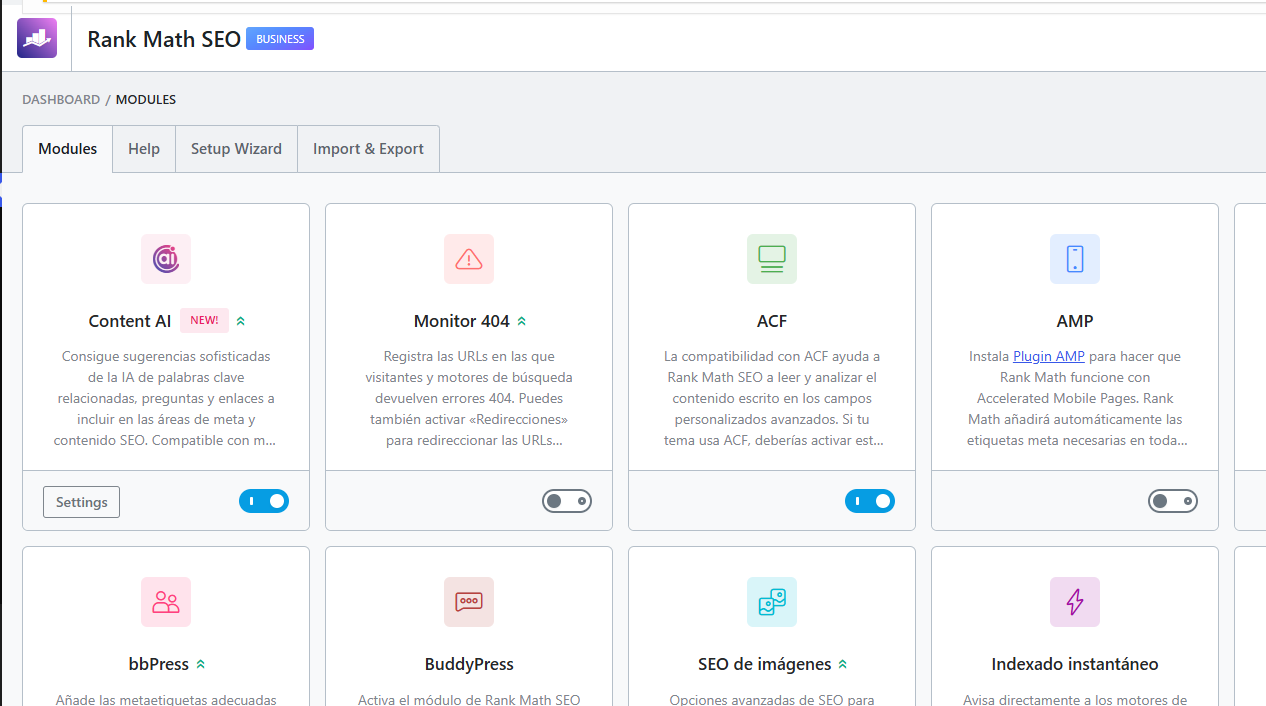
First, in Settings > Permalinks, enable the "Post name" structure: Google prefers readable words over ID numbers. For product URLs, consider removing the /product/ or /shop/ base to shorten them, and keep a clear hierarchy with categories when it adds context. Use hyphens, not underscores, include the keyword and do not exceed three subdirectory levels. The golden rule: keep important products two or three clicks from the home page so crawling is efficient. As always, touching already-indexed URLs is delicate, so set the structure well before publishing and avoid unnecessary changes afterwards.
The product page is the one the buyer sees just before deciding, so it must satisfy search intent and convert at the same time. Work a meta title with the keyword up front and a unique, persuasive description for each product; never use the manufacturer's descriptions as they come, because they create duplicate content with dozens of stores. Optimize the slug, add descriptive alt text to the images, enable reviews and fill in all the fields (price, availability, brand) because that is where the schema comes from. Also define a clear policy for discontinued products: 404, 410 if it is not coming back, or a 301 redirect to a similar product or its category; the best option depends on the project, but it is worth deciding it as a general rule and not case by case.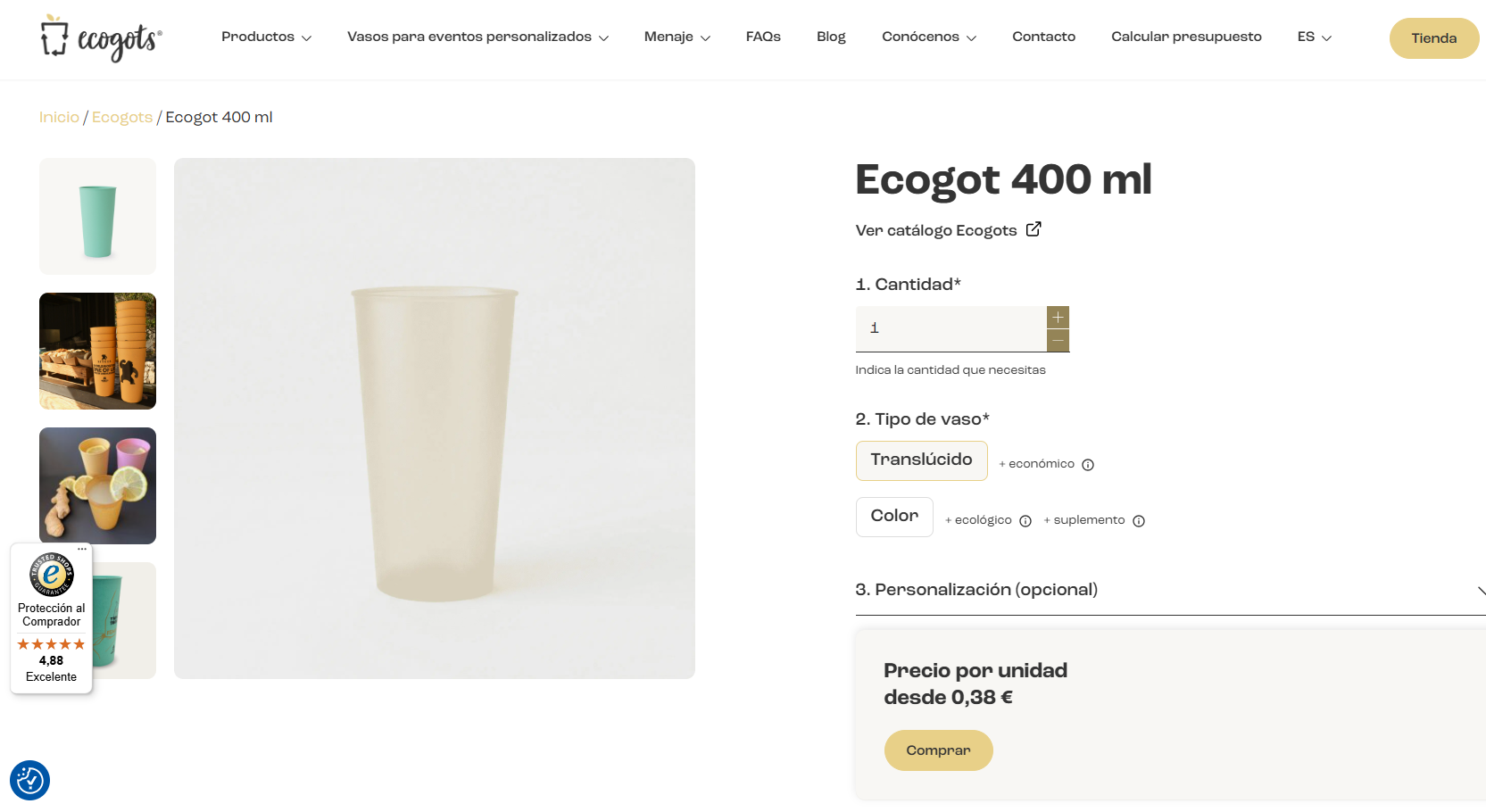
Category pages are the most underused organic asset of almost any store. The highest-volume commercial queries usually resolve at category level, not at individual product level. Turn them into real landing pages: add 150 to 300 words of optimized text above the product grid, include internal links to subcategories and related blog articles, and consider FAQ schema below the listing. Avoid categories with thin content and do not create several that compete for the same keyword, a very common cannibalization problem.
Here lies the biggest technical risk of SEO for WooCommerce. Price, color, size or brand filters generate parameter URLs exponentially: a category with five filter dimensions can produce thousands of combinations with nearly identical content. Left unmanaged, those URLs eat your crawl budget and dilute the authority of the clean category. The solution operates on two levels. First, configure filtering so it updates the grid via AJAX without generating a new URL for each combination. Second, if URLs with parameters are still created, apply noindex to those combinations from the plugin and block the typical filter parameters (?filter_color=, ?min_price=, ?orderby=) in the robots.txt. The exception: if a specific filter has real, proven search demand, keep it indexable as its own landing page.
WooCommerce creates several paths for the same product by default (under /product/, under the category, under the tag) and they all look like different pages to Google. The result is duplication, split authority and pages competing with each other. The solution has two parts: configure each product's canonical pointing to its main URL (Yoast and Rank Math do this well when configured) and apply noindex to tag archives and filter pages. Paginated pages should self-reference in their canonical, and product variations point to the parent product. Always block in robots.txt the /cart/, /checkout/ and /my-account/ paths, and never block products, categories or the images folder.
Product schema is what activates rich results with price, availability and ratings, and that noticeably improves CTR from the results. Yoast and Rank Math generate it automatically from WooCommerce's native fields, so the key is to have them all filled in: price, stock status, brand and a minimum of reviews to trigger the aggregate rating. Validate each implementation with Google's Rich Results Test on every major catalog change, because incomplete schema is not shown or generates warnings.
Handing your catalog to Google to appear in Google Shopping is a key lever for any e-commerce. The platform has a free part (organic product listings) and a paid one (Google Ads). At a minimum it is worth activating the free one, though combining it with Shopping or Performance Max campaigns multiplies results. WooCommerce resolves this with feed plugins that sync the catalog and keep it updated. Make sure the feed is consistent with what the user sees on the product page (same price, same availability) to avoid disapprovals in Merchant Center.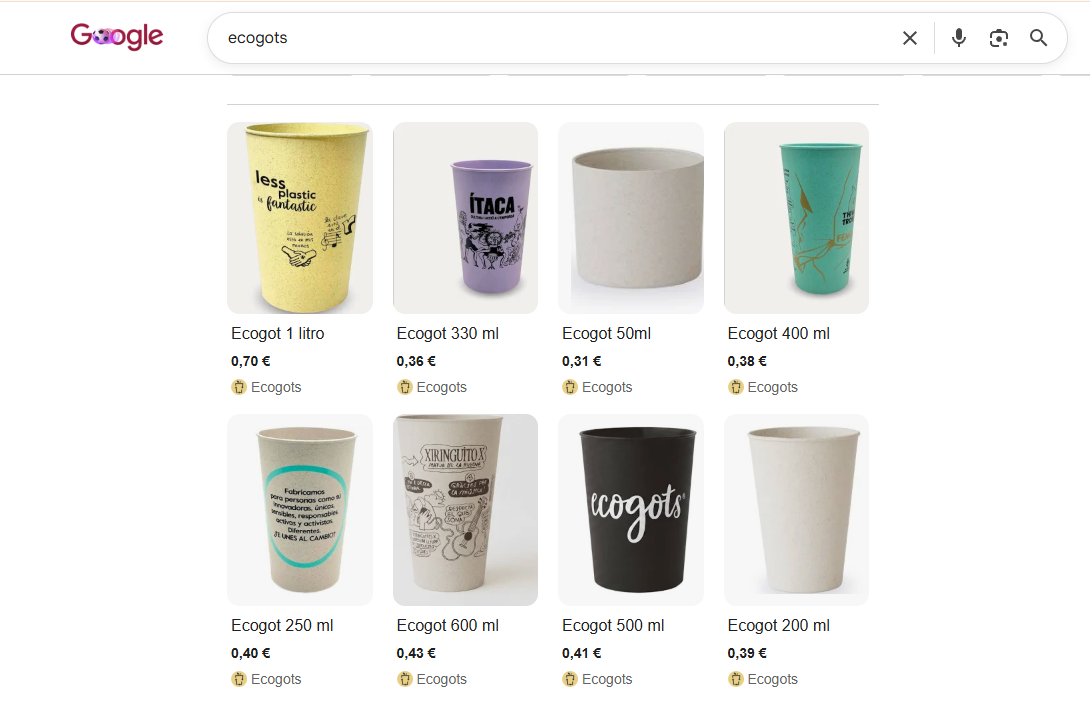
Speed is a ranking and conversion factor. Because it runs on WordPress, WooCommerce can be heavy, so do not host it on a five-euro server. Invest in a good server with resources and a caching layer (WP Rocket or LiteSpeed Cache are the usual choices), serve images in WebP, use a CDN to reduce latency and defer non-critical JavaScript. In Core Web Vitals, take special care of LCP on product and category pages, which are the ones that accumulate the most crawl visits and carry the most business weight. Well-done performance optimization is one of the investments with the best return in a store.
If you sell in several languages or countries, WordPress's flexibility works in your favor again: there are mature solutions to manage multilingual and multi-currency content. The SEO work lies in implementing the hreflang tags well to tell Google which version serves each language and region, avoiding duplicate content between versions and keeping a consistent URL architecture per language. For projects with genuine ambition outside your market, plan it from the start with a well-defined international SEO strategy.
Internal linking is more decisive in WooCommerce than it seems. Authority tends to accumulate on the home page and the blog, and without a linking strategy it does not flow towards the categories and products you want to rank. The approach we apply is tri-directional: blog posts link to categories (transferring authority and topical relevance), categories link to subcategories and related articles, and product pages link to related products and their parent category. The blog, moreover, is your tool to capture informational traffic and build authority; always connect it with the commercial pages. Well-planned SEO for WooCommerce combines this technical base with a well-built WordPress store, and at our agency we can help you put it into practice.

Hello! drop us a line


Duplicates and filters: the big challenge of SEO in WooCommerce.